Rotating Around the Cube
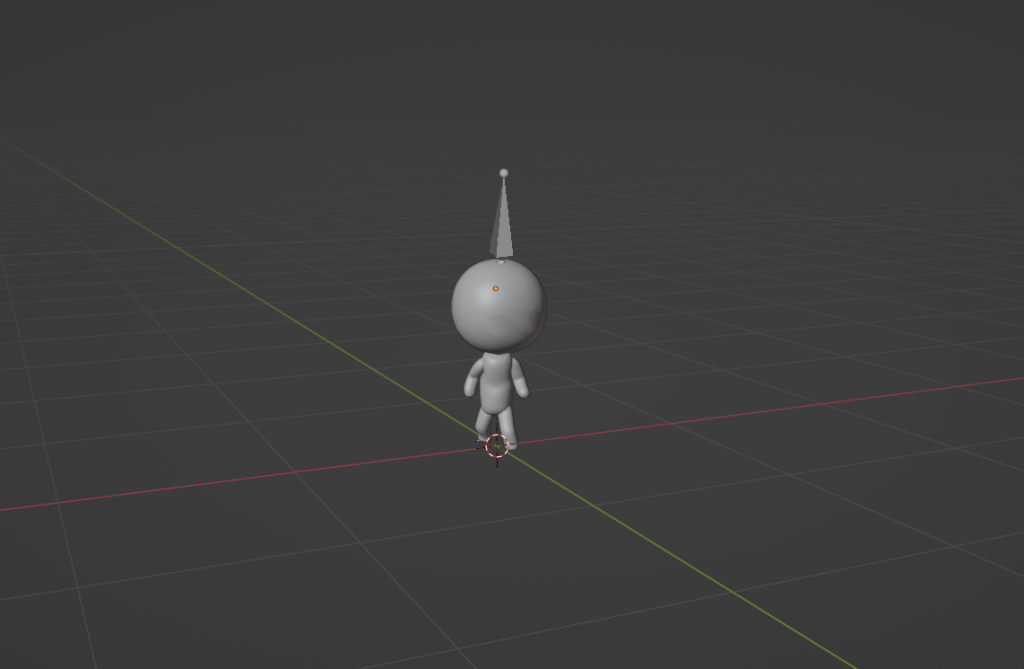
The main challenge within this 3D project was figuring out how to rotate my player around the cube the way I wanted. I created the 3D objects using blender and the player was rigged using Mixamo so it was time to figure out the game mechanics. My first thought was to rotate the cube and keep the player and camera at a constant location. However, due to the arrow system having projectiles constantly moving, there would be more calculations on the arrows rotating as their positions transformed. And whether I rotated my character or the cube 90o around the origin, I would run into gimbal lock. I could swipe up and rotate the object around the x axis, then swipe right and rotate it around the y axis but another swipe could rotate it around the wrong axis because the axes would also shift directions with each swipe. I would have to change which axis would rotate with the swipe direction depending on the previous number of swipes and their directions.
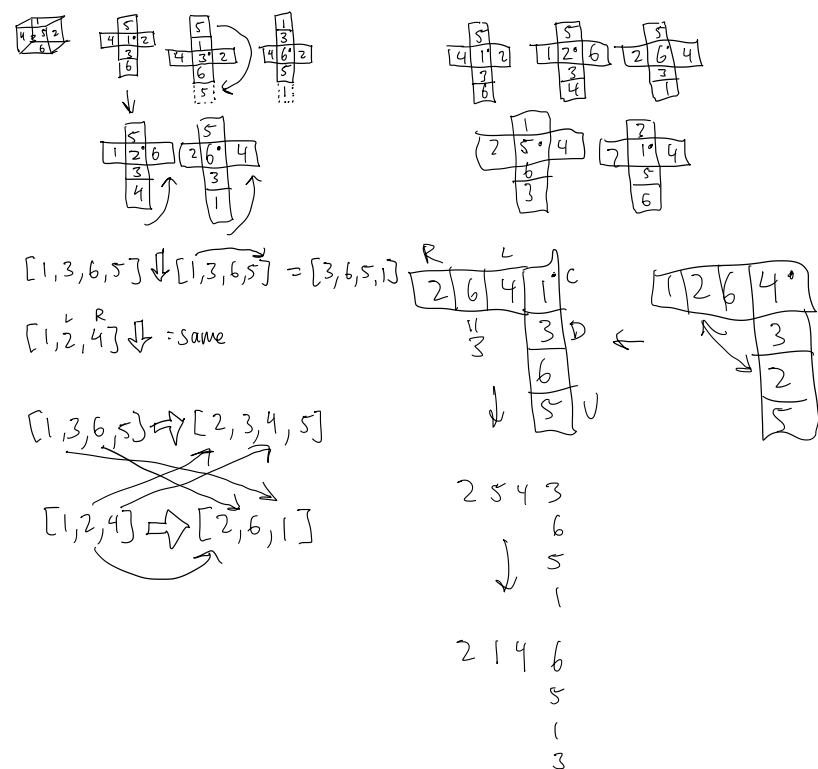
As a result, I devised a solution by visually mapping out the cube as a 2D shape and looked at the potential placements of each face when I moved the player. I kept the shape of the unwrapped cube consistent, numbered the faces, and swapped the numbers accordingly for both vertical and horizontal changes. Once I saw patterns in how the numbers changed, I could then choose a formula to implement for these changes. I decided to use 2 arrays and depending on the swipe, I would alter both arrays at the appropriate indices to keep track of all the adjacent faces and reorient the player.
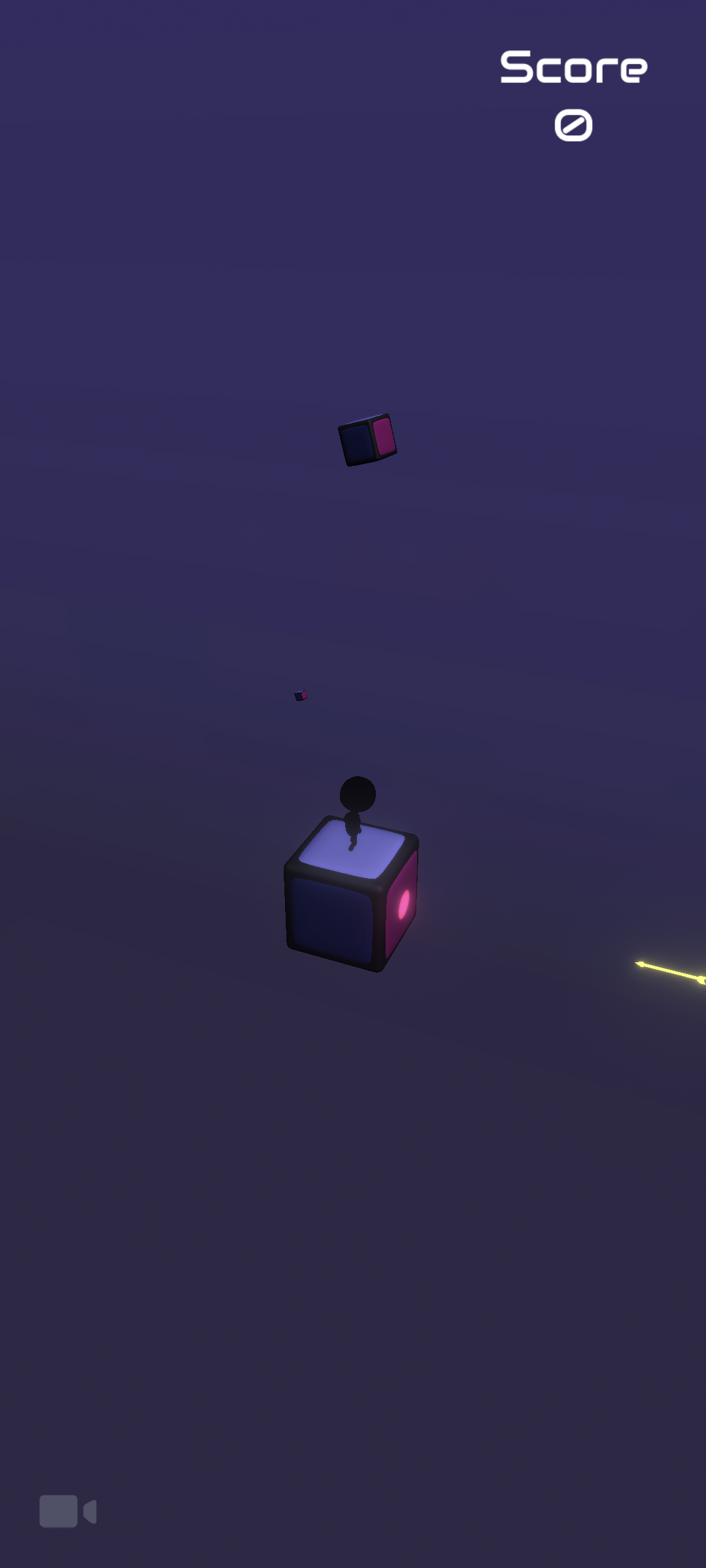
Gameplay and Challenge
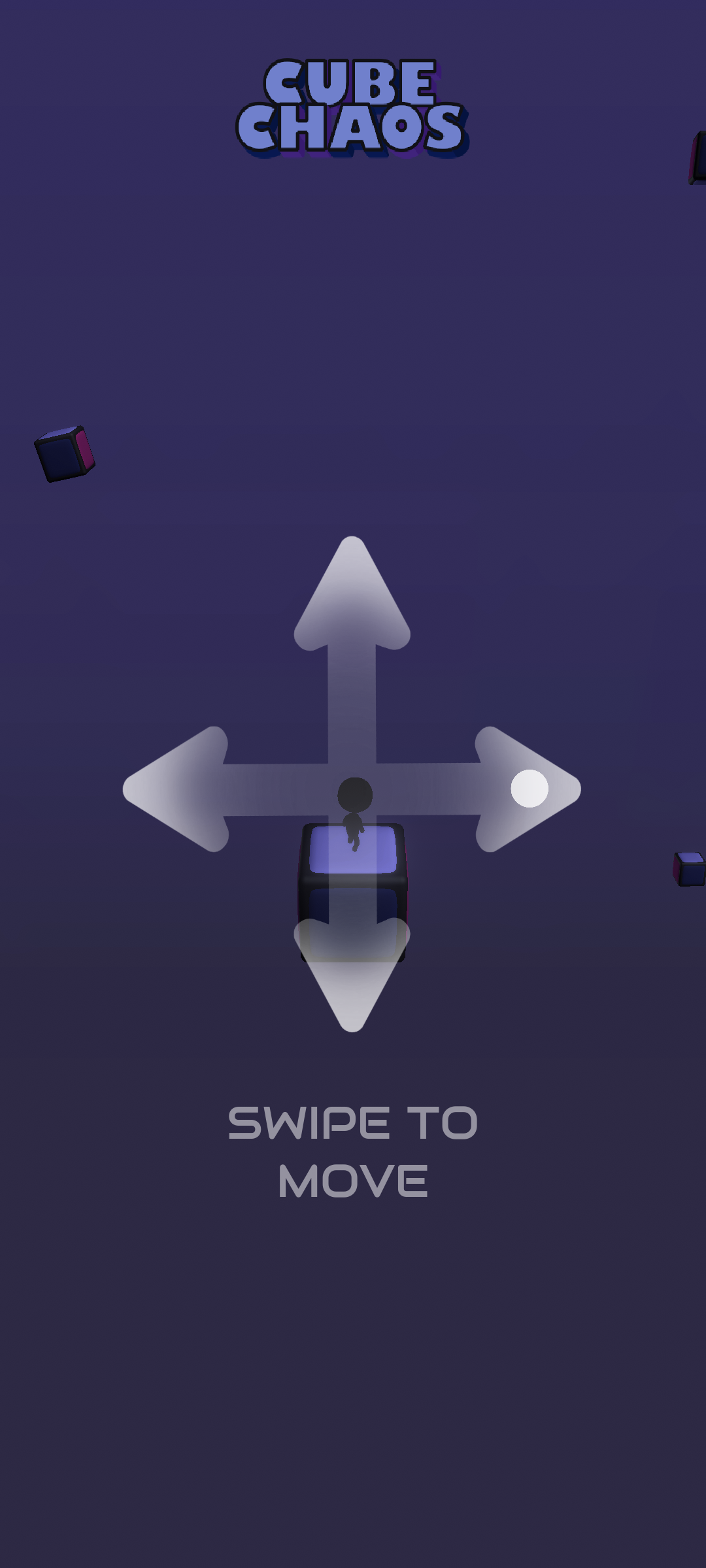
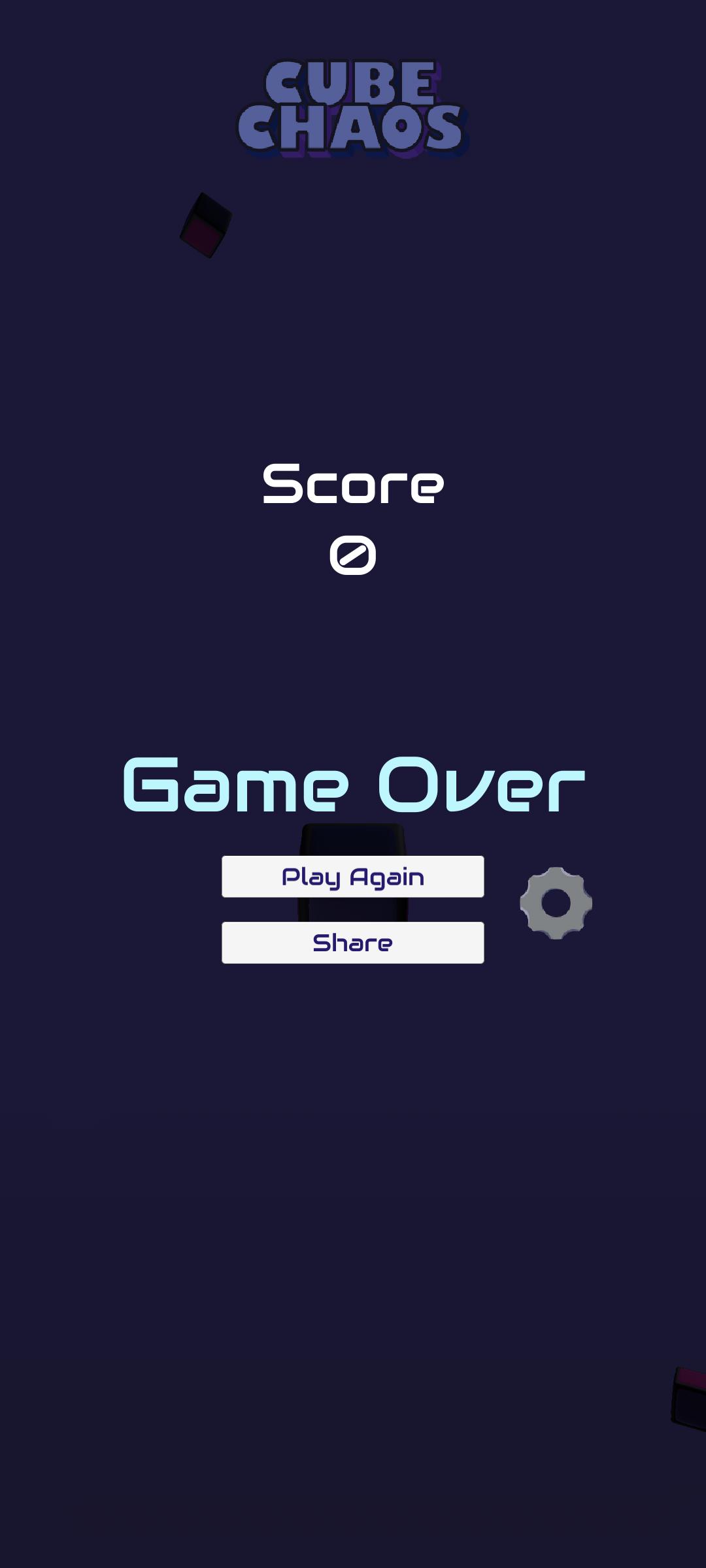
The concept behind the game was to create a simple move and dodge game that was both mindless and addictive. The purpose is to dodge arrows to increase your score until you get hit. As your score gets higher, the speed of the arrows increase and the time between arrows appearing decreases. I wanted players to want to beat their previous scores or their friends’ and included a share feature in the game over page to encourage competition.
Arrow System
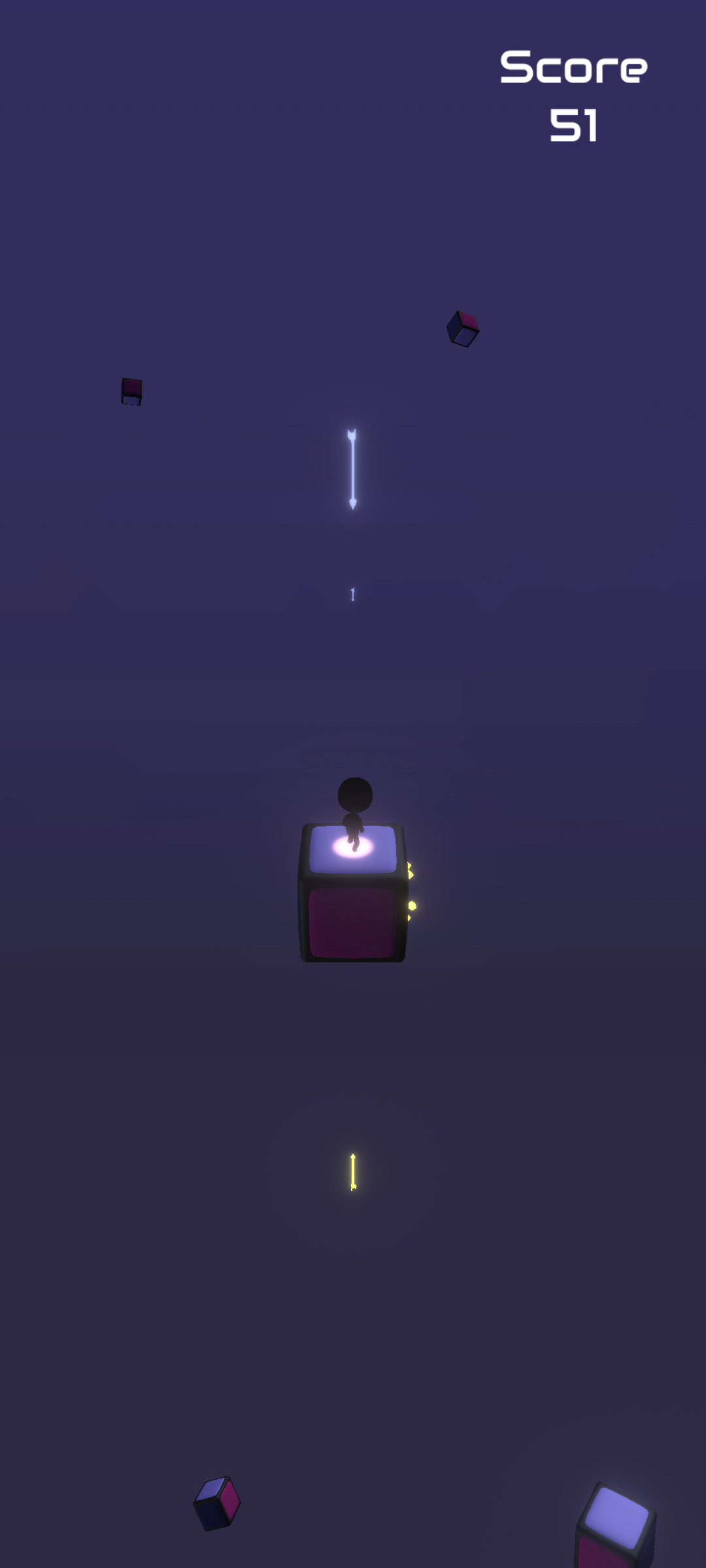
The arrow system is comprised of 6 spawn points all at equal distances from the cube, 1 facing each cube face. Because I chose to rotate the player, I could keep these arrow spawns at static positions. A timer and random number generator were used so that when the timer ran out, the spawn point with an assigned number matching the random number would instance an arrow which would move towards the origin. It would either hit the player and signal game over, or crash on the cube. I used a “move towards” function from unity to gradually modify the rate of speed and the time between arrows. I also included multiple arrows being shot at the same time from different random spawn points once a certain score is reached for more difficulty. These secondary arrows are indicated by their blue colour. To increase interaction and keep the players moving I kept track of the previous spawn point to avoid repetition and ensure arrows are coming from every direction. I also kept track of how long the player would stand still so that if they stood for too long an arrow would hit where they’re standing.
Player Experience
To increase readability and avoid potential confusions in perspective, I added a toggle which slightly shifts the camera angle. I also added a light coming from the arrows to confirm which cube face they are about to hit.
Atmosphere
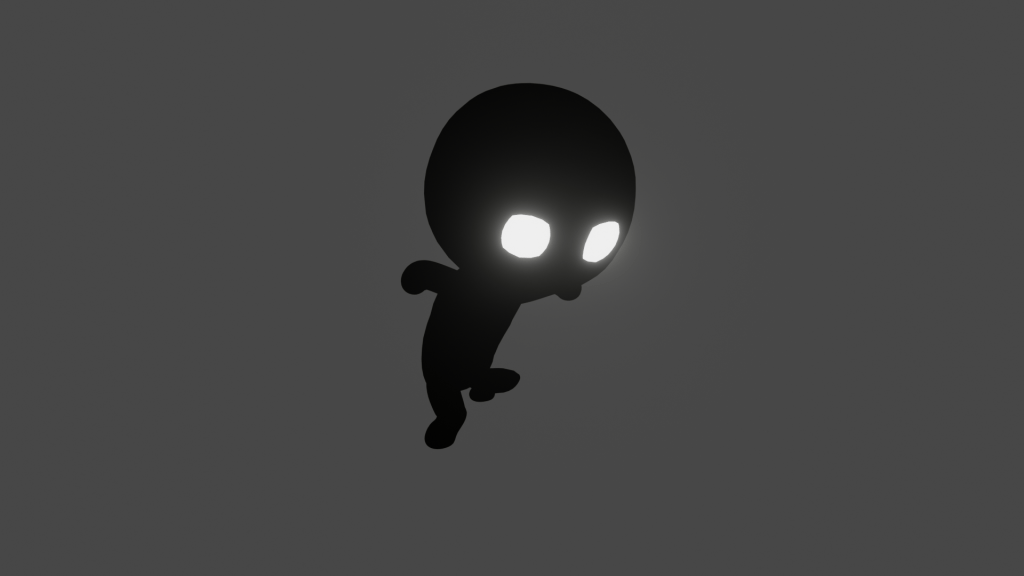
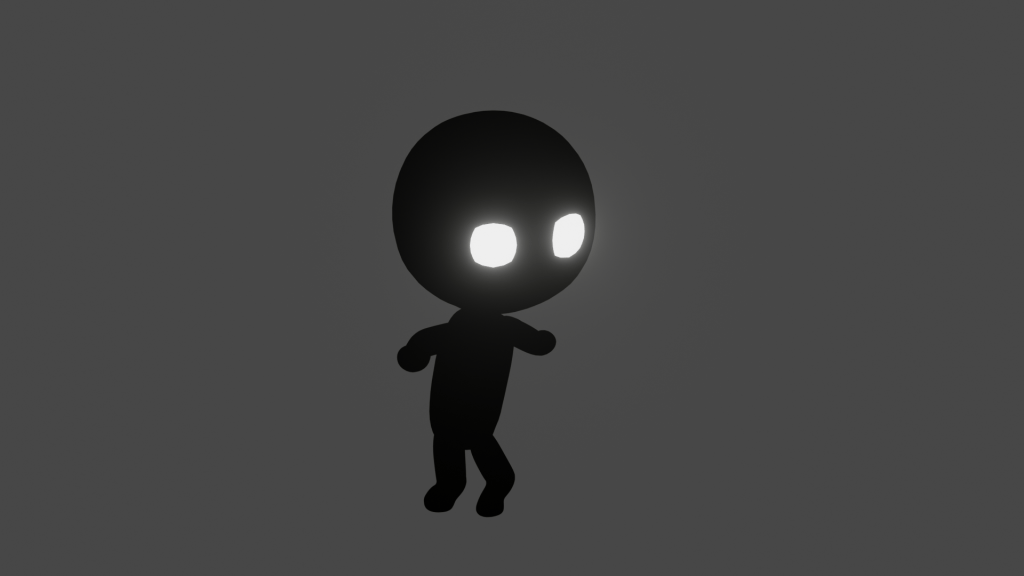
While the overall gameplay is simple, I still wanted to create a unique world with it to immerse the player. Thus, it offers slivers of a story. A lonely Martian on a cube planet lost in a void. Background cubes rotating at different angles and speeds were added to make it more visually interesting and the sound effects aimed to give ASMR, such as the twinkling/crackling of the arrow as it bursts into tiny cubes.
 Tristan Mah